Knowledge base > Social > Wednesday, 2 November 2016
Like to follow explained
Introduction
Social media is an essential part of your overall marketing campaign
Social media is now an essential part of any SEO strategy which is why we've developed a product that's powerful, unique and included as part of our core SEO product from free. Below you will learn how to set everything up correctly in order to take full advantage of this unique community.
Facebook configuration
You have to link a personal page to a business page
Facebook do not allow business pages to “like” other business pages. They will only allow personal pages to like business pages. There’s a simple way around this. Simply create personal and business page that are linked. Here’s how you do it
1. Go to Facebook and sign up for a personal account but in your company name.
NB. If you already have a personal account then you can move directly to number 2. If you already have a linked personal and business account you can skip straight to number 3.

Go to facebook.com and sign up for a personal account. You will have to use a really name. If you want to protect your identity then you can put any name in here.
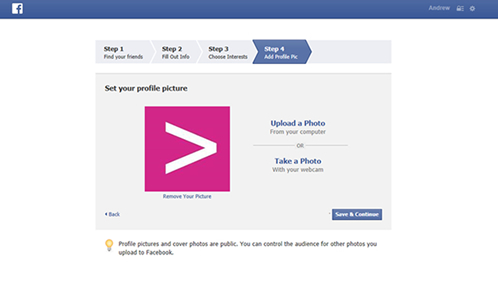
We would recommend uploading a company logo as your profile picture. Although this can be anything so don’t worry too much.

Once logged in to your personal account, you will see bottom left the “like pages” link.

Then you will have the option to “create a page”. Click on this.
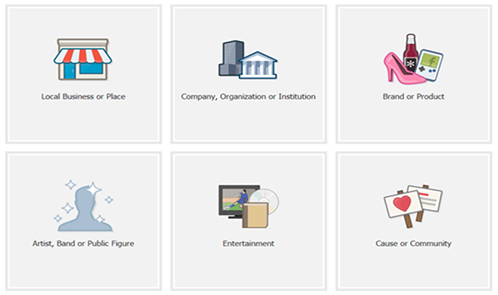
You will then be presented with the following options. Click the “company, organization or institution link. Then just select your companies sector and enter its name. You will then be asked to add some information about your company and upload a company logo / image. Just follow all of these steps.

Congratulations you now have a personal Facebook account linked to your business account!
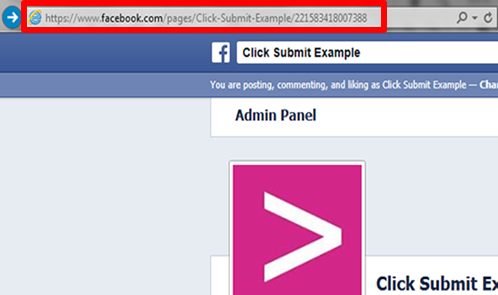
When you opt in to like to follow you will require the destination URL to your Facebook business page. Simply navigate to your Facebook business page and copy and paste the URL from the address bar as shown above.
Twitter / Instagram configuration
Much easier than Facebook. Thank goodness!
In comparison to Facebook Twitter and Instagram is so easy to configure. Here’s how you do it. We have shown details on Twitter below. As Instagram is almost identical we have not included details as it's so simple.
NB. If you already have a Twitter / Instagram account you can skip straight to number 2.
1. Go to www.twitter.com and create a Twitter account.
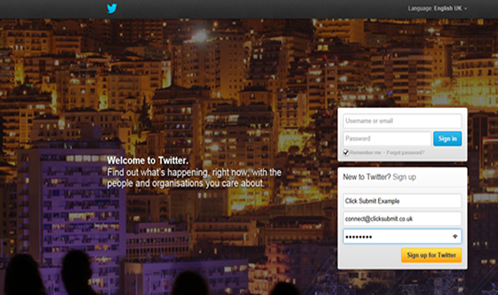
Enter your company name as the “Name”.
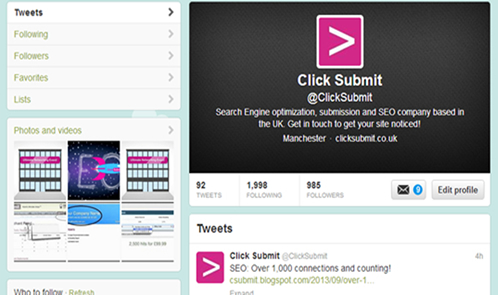
Once within your Twitter account simply upload an image and you’re done!

When you opt in to like to follow you will require the destination URL to your Twitter page. Simply navigate to your Twitter page and copy and paste the URL from the address bar as shown above.
Opting in
You’re nearly there!
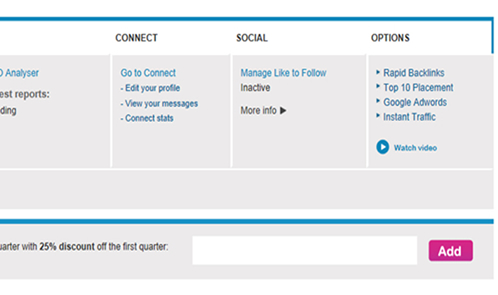
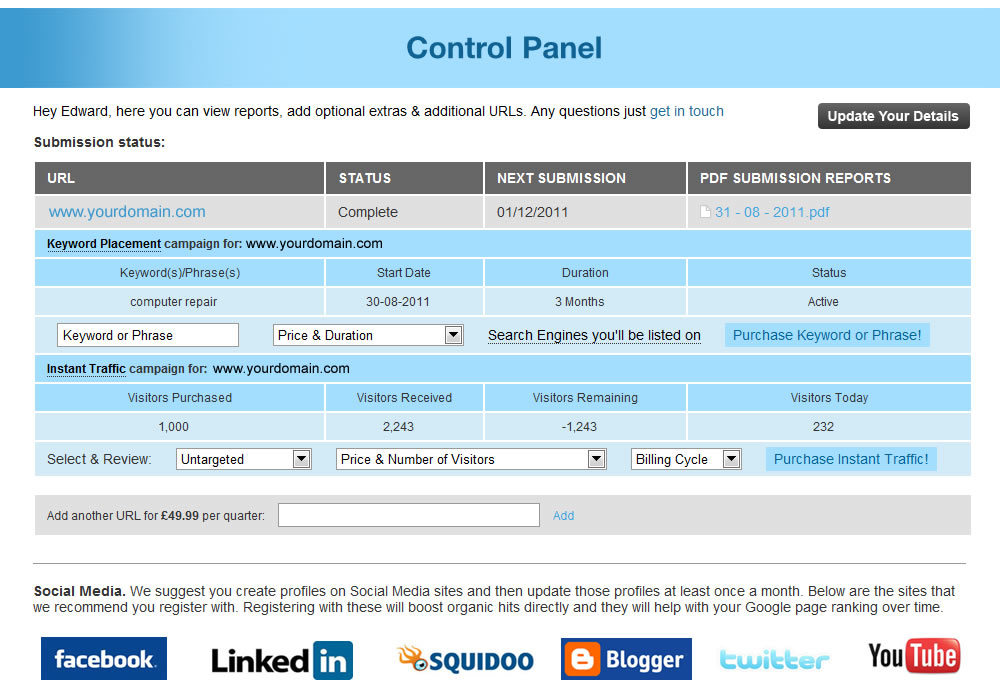
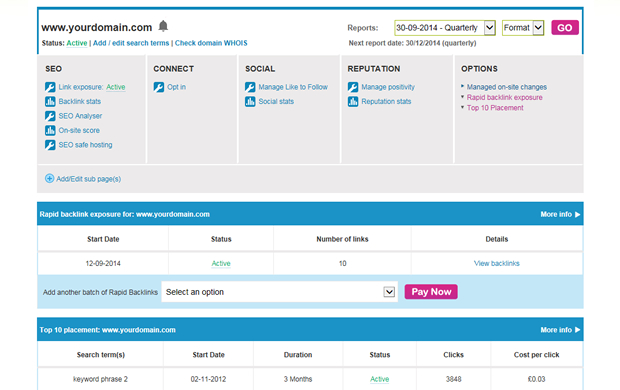
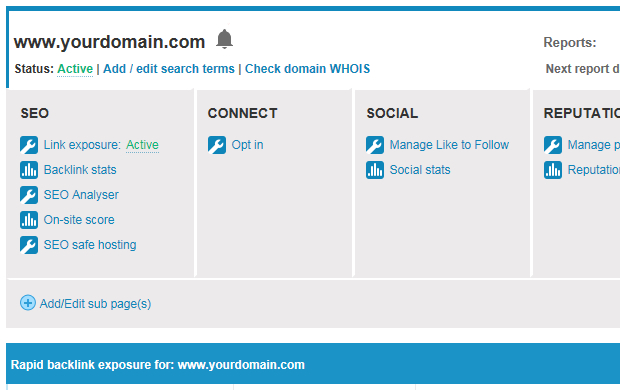
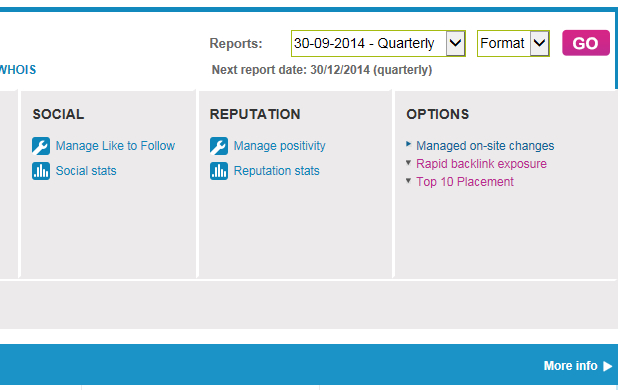
Go to www.boost-local.co.uk/control-panel and log in. Once logged in just click in the “manage like to follow” link.
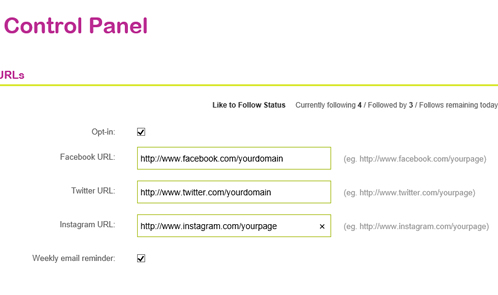
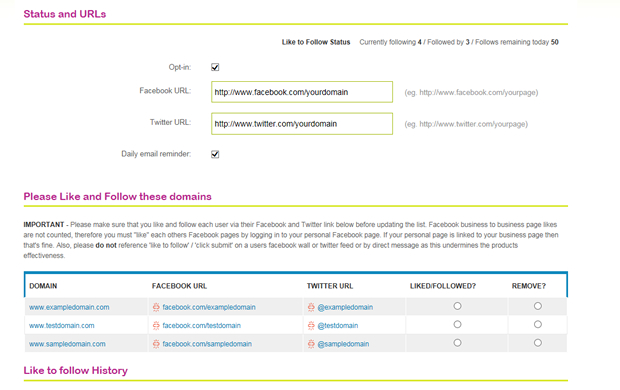
You will then be presented with the opt-in section. Just check the opt-in box and then enter your Facebook and / or Twitter URLs. If you’re unsure of your Facebook and / or URL see the Facebook and Twitter configuration section of this guide.
Daily routine
Little and often wins the day!
We allow you to like and follow up to 50 other peoples Facebook, Twitter and Instagram pages each day. The reason for 50 is because they have spam flags and this is a safe number to like and follow each day without any chance at all of any issue.
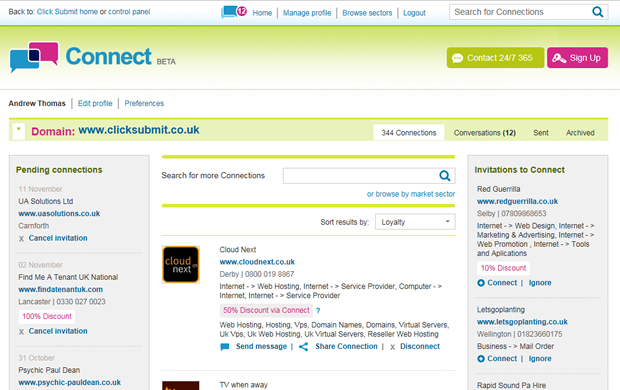
1. Log in to your control panel, click on the like to follow link and you will be presented with the like to follow interface.
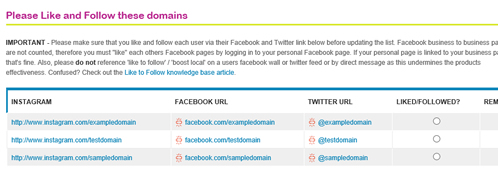
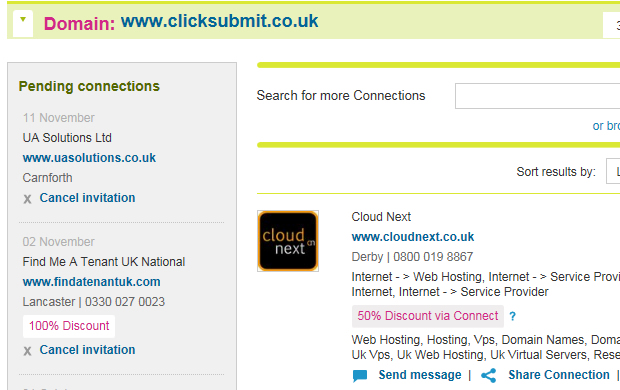
Here you will see all other users opted in to the like to follow system.
Now all you have to do is the following.
a) Click the Facebook link. Like the page.
b) Click the Twitter link. Follow the page.
c) Click the Instagram link. Follow the page.
d) Check the button to say that you have liked and followed that user.
NB. You will see that you also have the option to remove instead of liking and flowing. This can be useful if for example you come across a competitor or a site you do not agree with.
d) At any point you can save the work you have done by clicking “submit” button. This will then remove any people from the list that you have checked to like and follow or remove.
As stated above. We recommend that you do a maximum of 50 likes and follows every day.
Community rules
We don’t like rules but sometimes you have to have them
1. The first rule of like to follow is don’t talk about like to follow! No, it really is! Please do not post on other users walls or send any private messages referencing like to follow. The reason for this is twofold.
a) Its better Facebook, Twitter and Instagram are not made aware of this community.
b) We have resellers using this product and it needs to stay white labelled.
2. You cannot use the like to follow network to facilitate business. So please do not contact other users in order to sell you products or services.
Search the knowledge base