Knowledge base > Reputation > Friday, 11 November 2016
Positivity explained
How it works
Reputation now a very important part of the search engine algorithms
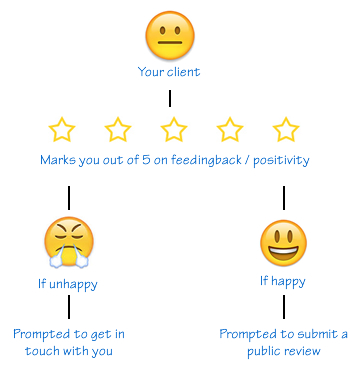
Positivity is a simple system allowing you to verify whether a client is happy or not before suggesting that they submit a review via a public website like Trust Pilot, Review Centre, Trip Advisor etc... Here’s how it works:
How to set it up
Simple but highly effective
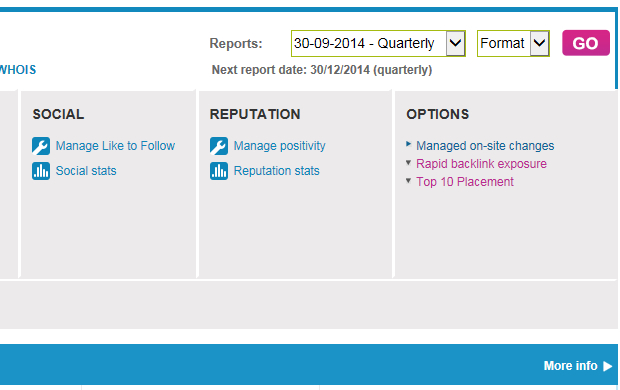
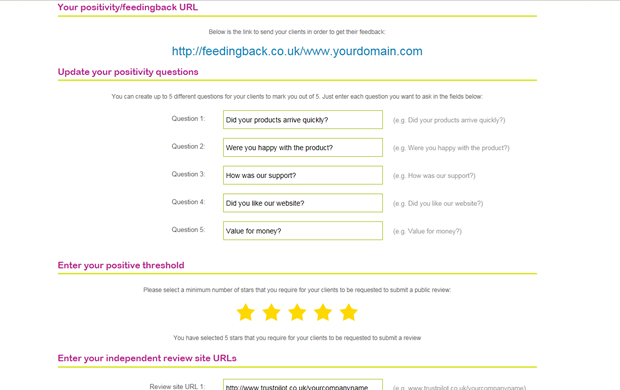
During set up within your control panel you will be able to create up to 5 questions that your clients will mark you out of 5 on.
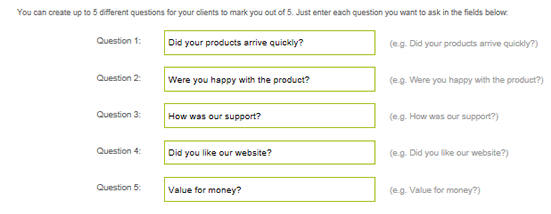
You will then be able to set a positive threshold. This threshold will dictate the message they see after they submit their feedback.

So for example you may set a threshold of 4 stars of above. This would mean that anyone who averages 4 stars or above would be asked to submit a public review via the links that you set during sign up.

If they average 3 stars or below then they would be presented with a message that you create during set up.
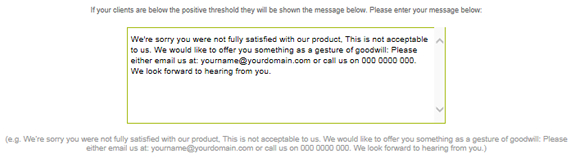
You now have the option to preview or submit the information.

Don’t worry it’s totally white labeled
Once happy you will be presented with a URL that you give to your clients. It’s located on our white labeled fedingback.co.uk domain name.

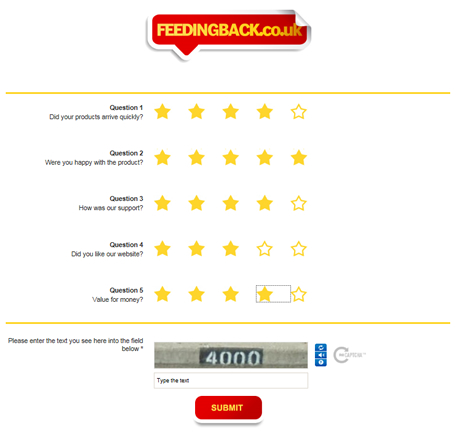
This is the URL you then give to your clients who will be presented with the following when they click on the link:
Search the knowledge base