Knowledge base > Options > Friday, 18 November 2016
Managed on-site changes explained
Introduction
Take a weight off and let us do the work
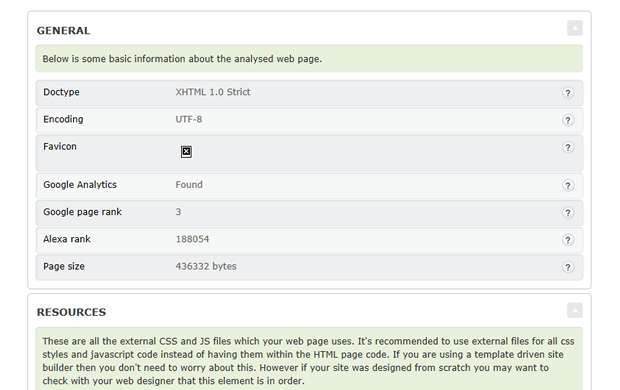
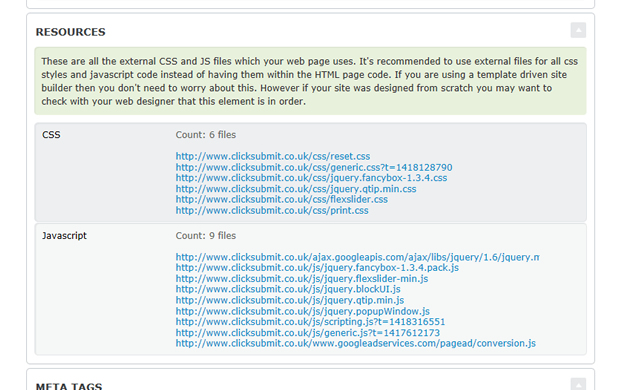
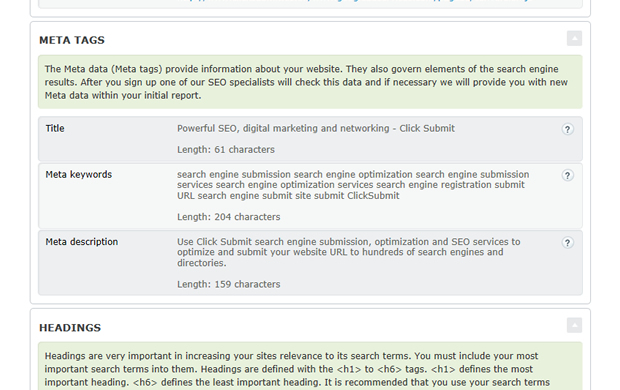
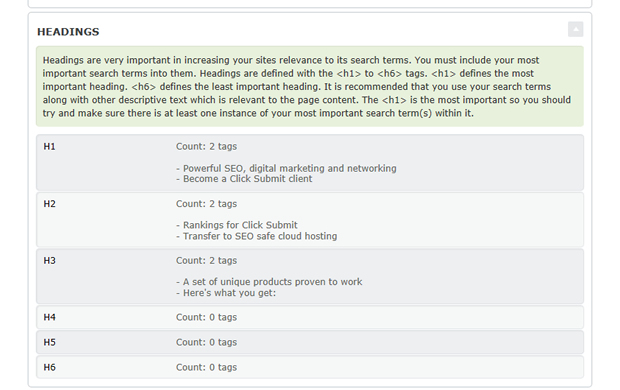
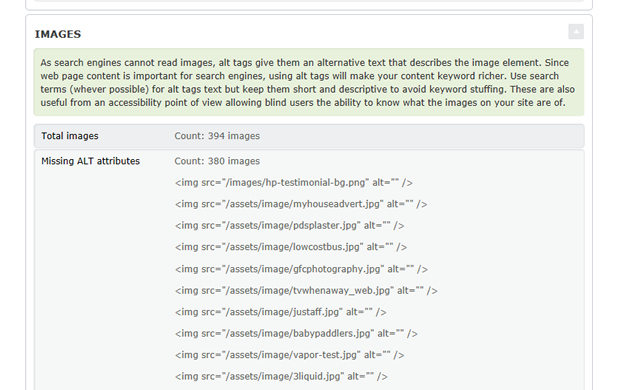
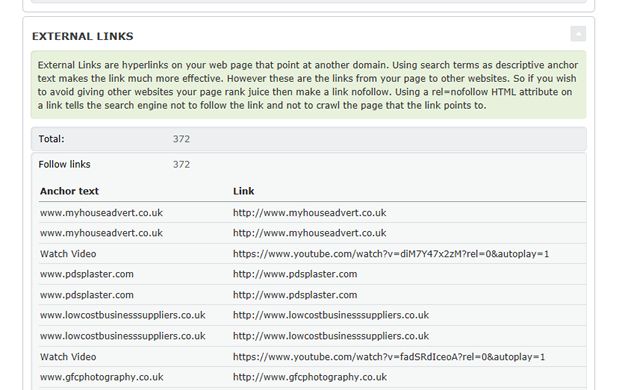
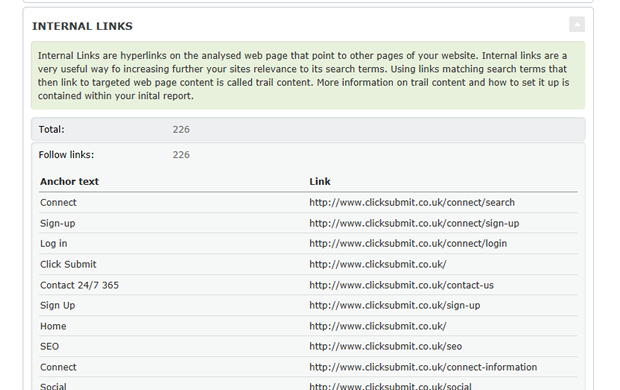
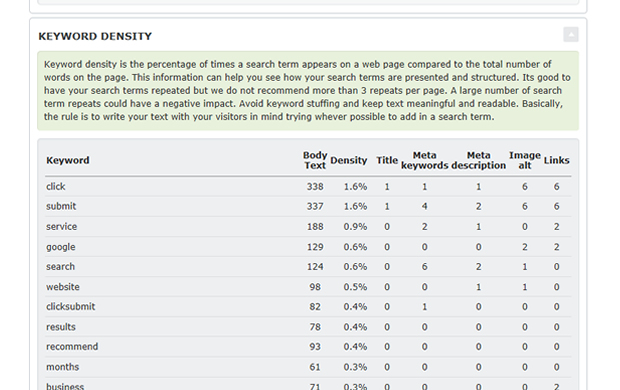
Contained within your initial report will be a list of things that we recommend you change to your website. These are purely text based and should take either yourself or your web developer no more than an hour to complete. If however you would prefer us to carry out this work we would be delighted to do so.
Why are they important
Your relevance and search results are dictated by them
Your ranking across the search engines is based on your on-site and off-site relevance. Your off-site relevance is created with link exposure and social signals which are included within the quarterly service. Your on-site relevance is based on various text based factors which are critical to making sure the search engines appreciate your relevance against your chosen search terms.
Where / how you order them
Just a few clicks away within your control panel
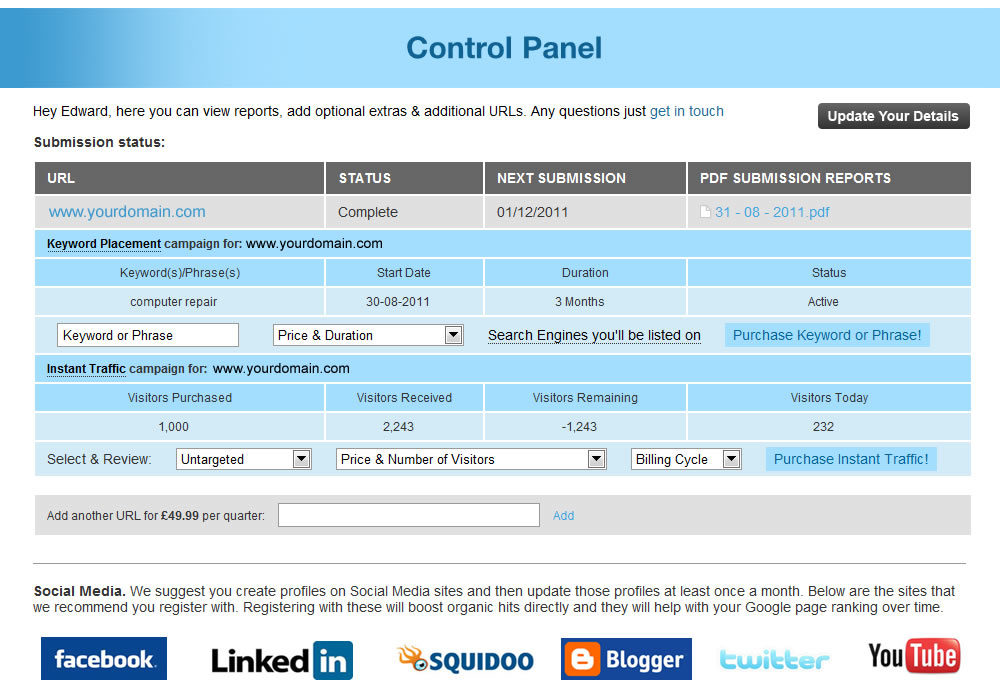
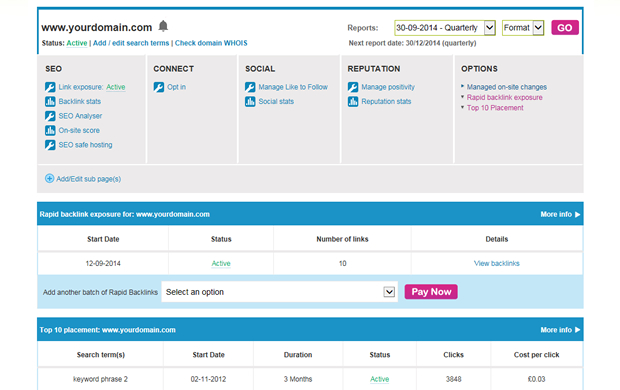
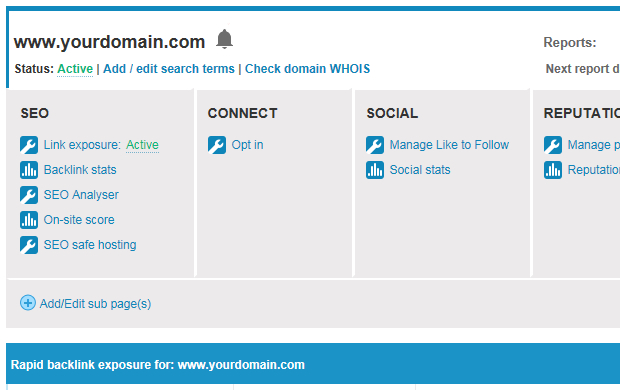
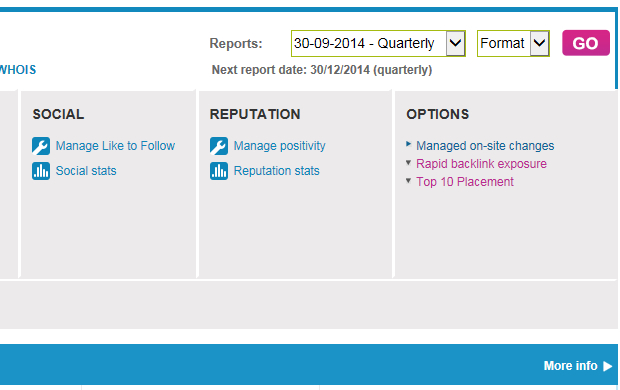
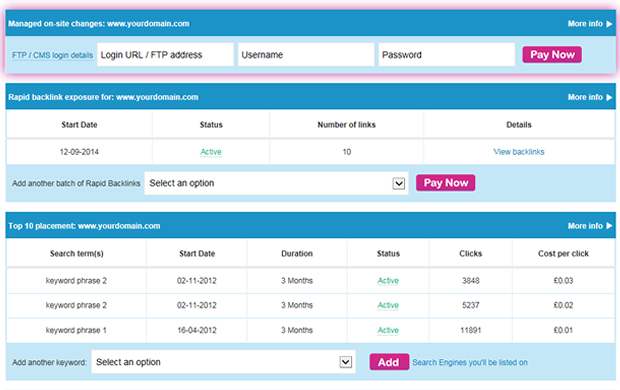
Just log in to your control panel and click on the “managed on-site changes” link.
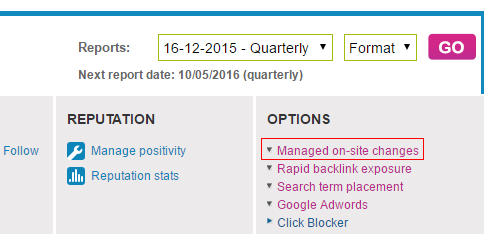
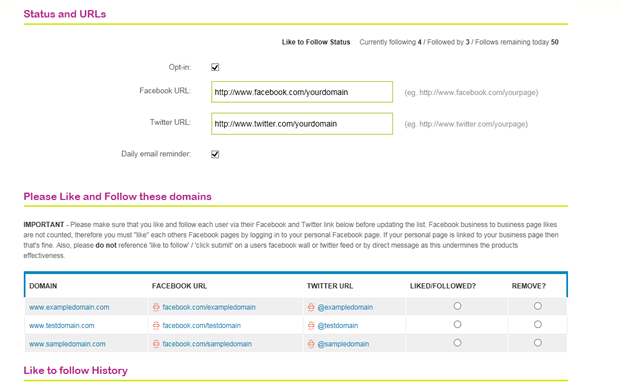
Once you have clicked on this you will be presented with the following.

Simply enter your site access information. This is the information you use to log in and update your site. So, it maybe your FTP details, word press log in information or site builder information. Don’t worry if there are any issues with the information entered we will be in touch within a few hours after sign up to help you locate the correct information.
How long do they take to complete?
We don’t hang about!
On the basis that the access information you provide is correct your changes will be completed within 72 hours. Once completed you will receive an e-mail letting you know and you product will look as follows within your control panel.

Am I safe giving you my site access information?
We take your security and data protection very seriously
When you order it via your control panel you are on 128-bit SSL web space. Then, once we have completed your changes we pertinently destroy the log in details.
Search the knowledge base