Knowledge base > Options > Friday, 27 January 2017
Sub URLs explained
Introduction
What is a sub URL?
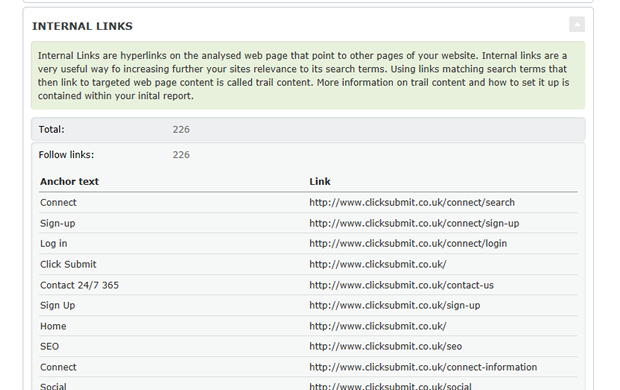
The most important part of your SEO campaign is the main or overall domain. However, we understand that some clients like the option of adding important sub URLs to their campaign. A sub URL is simply any page on your website other than your home page. For example if we signed up www.clicksubmit.com then we may also decide to add www.clicksubmit.com/seo as a sub URL. We may also want to add www.clicksubmit.com/social as well.
Why are sub URLs important?
They provide a further depth of content
Sub URLs are important if you have a site with a depth of content. Maybe you have a particular product or service page on your site that you want to give emphasis too.
What you get
It’s amazing value!
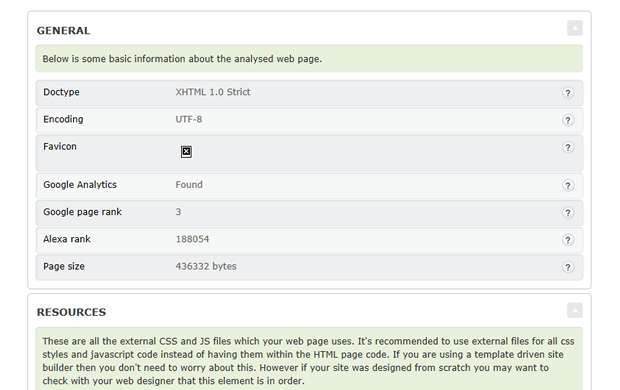
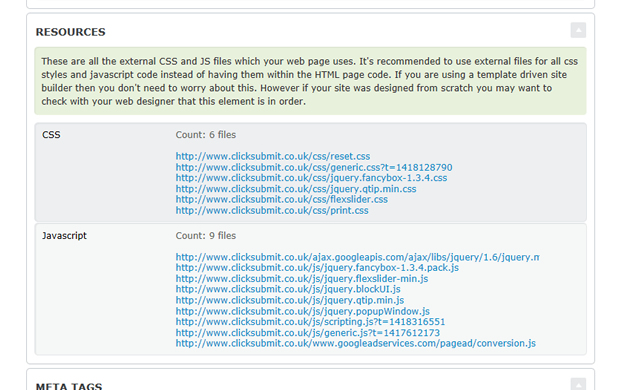
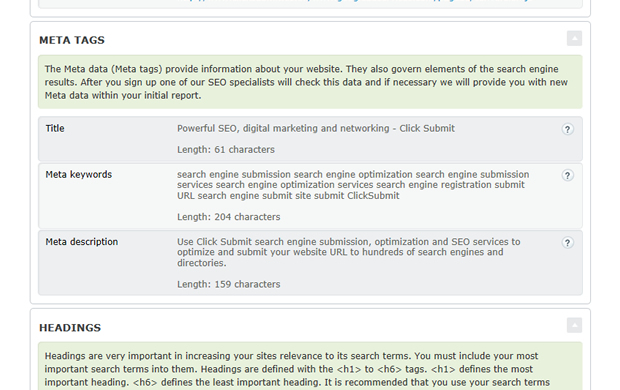
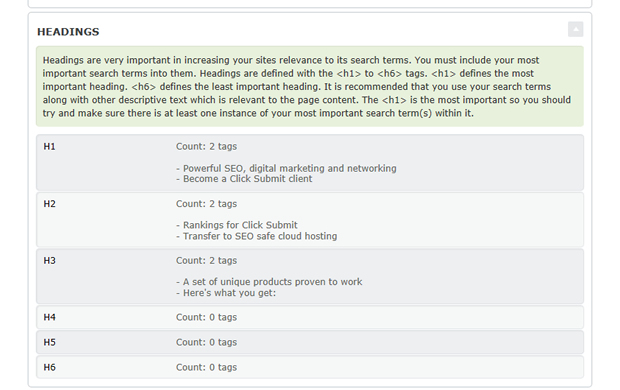
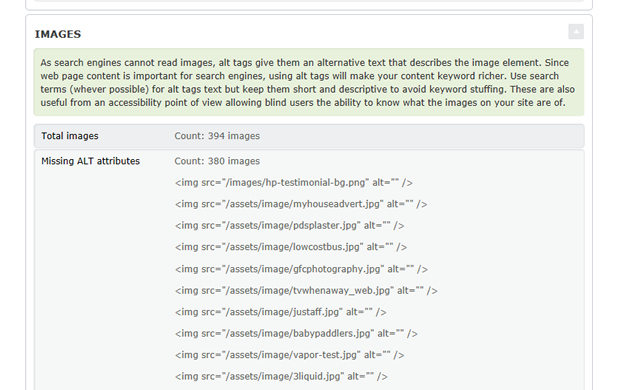
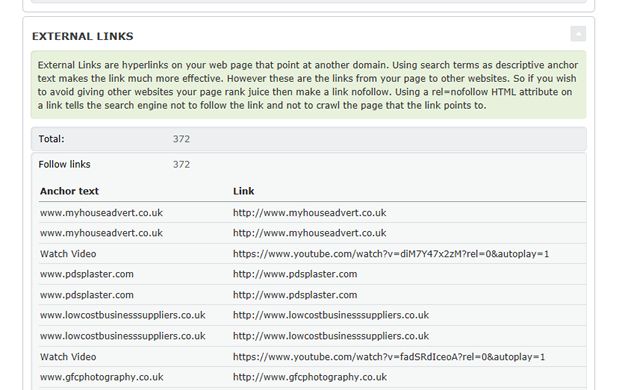
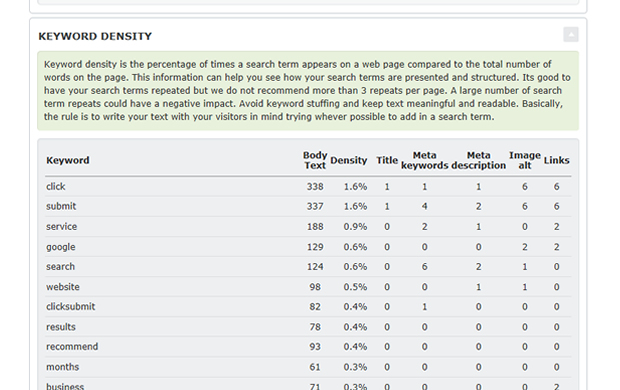
Each sub URL you add is basically a mini SEO campaign, so you get a full on-site report and link exposure campaign.
How you order them
Just a few click away within your control panel
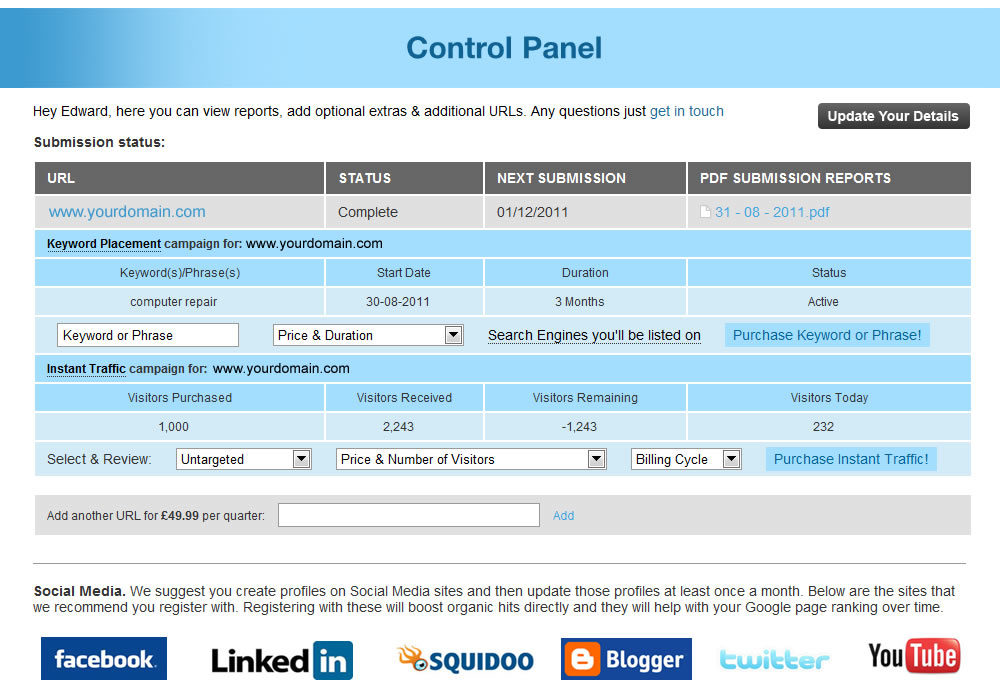
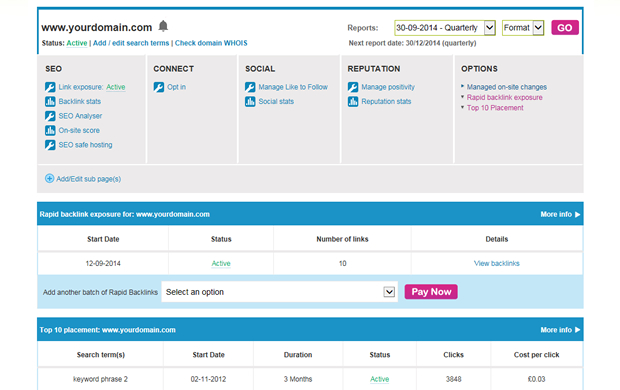
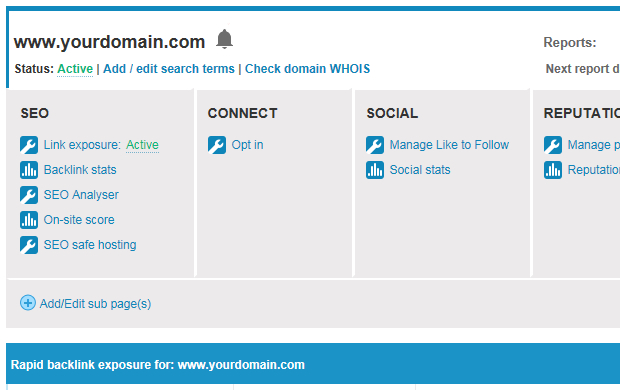
Just log in to your control panel and then look for the “Add/Edit Sub Page(s)” link below you campaign information. Click on this link and you will be presented with the following.
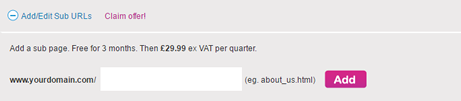
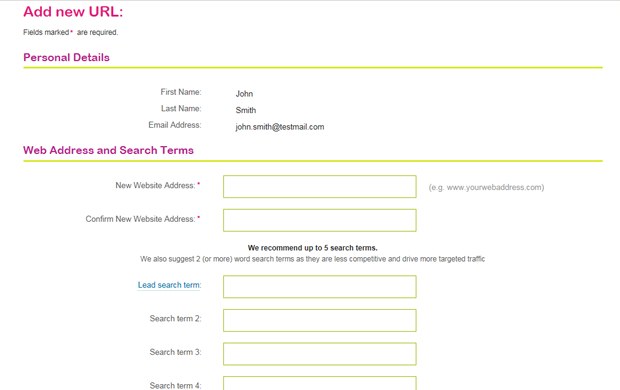
Simply enter the sub URL in here. So if we were entering one in it might be “seo.html” for example. Once entered just click the “Add” button.
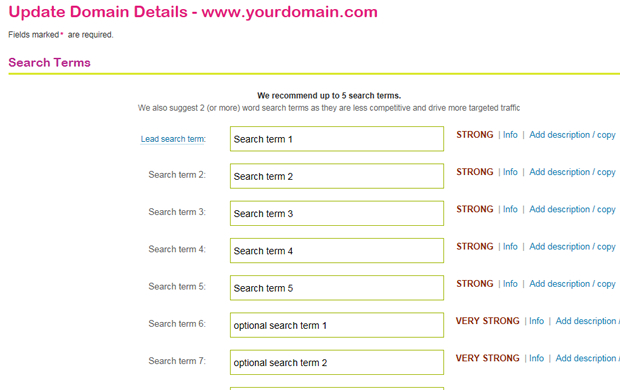
You will then be presented with the following.
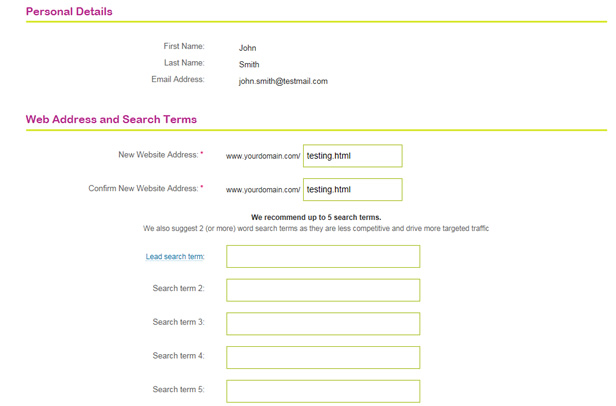
Just add your search terms and then click submit.
How long do they take to set up
We don’t hang about
Once ordered your sub URL(s) will go live within 24 hours, at which point a report will be available.
Search the knowledge base